 Pink Post
Features
The tools behind every outreach campaign
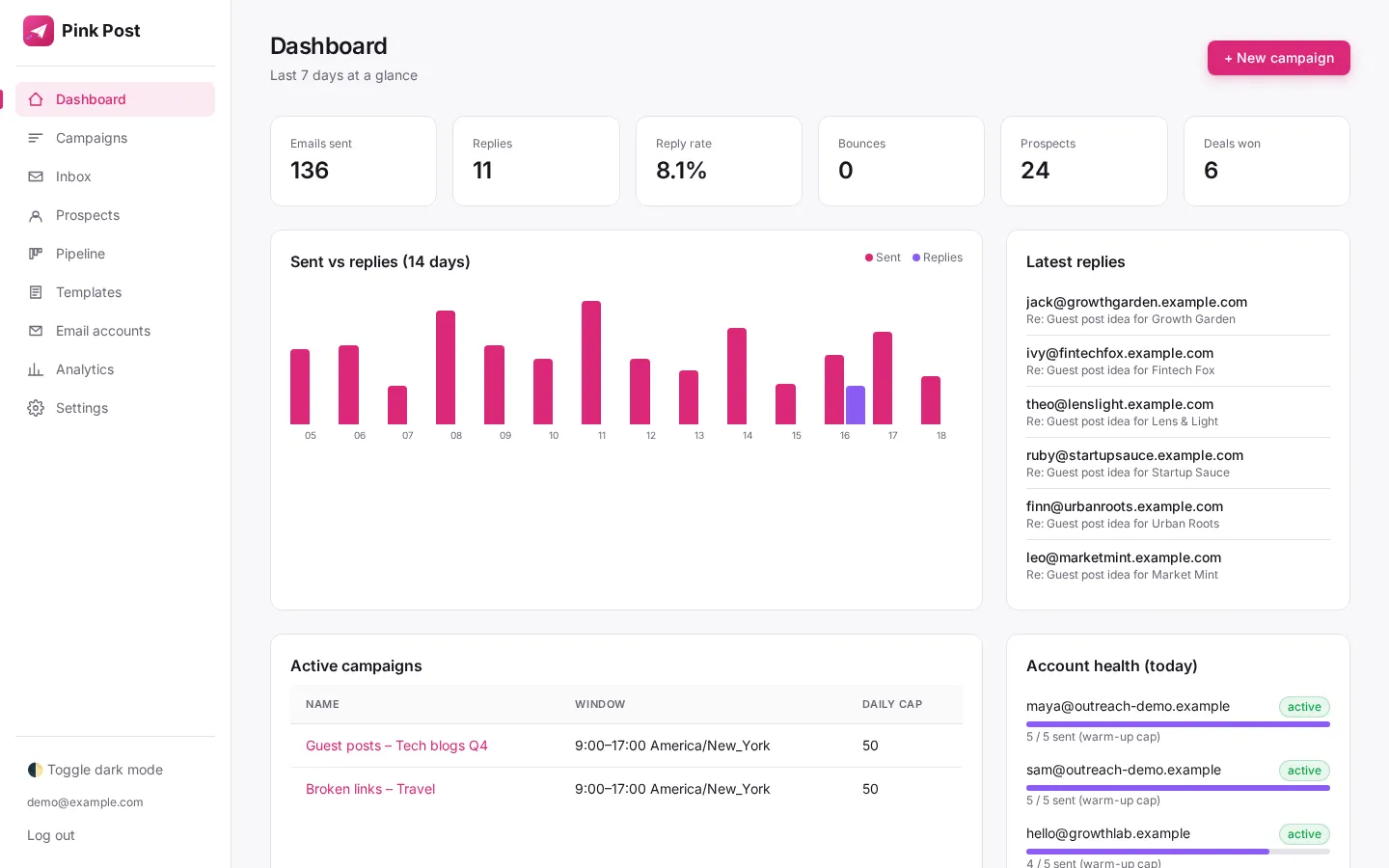
Build campaigns around your marketing goals: import and verify your contacts, personalise email sequences, pace every send safely and manage labelled replies. Track opportunities and prices in a deal pipeline, with published-link checks for campaigns that need them.
How it fits
From imported contacts to organised opportunities
Every feature belongs to one step of a campaign. Here is the order they work in.
- Step 1 · this feature
Import prospects
Upload a CSV, Excel file or Google Sheet of sites and contacts; Pink Post dedupes, blocklists and verifies them.
- Step 2
Pick a playbook
Write your own campaign sequence, or use an existing guest post, link insertion, broken link, resource page, skyscraper or partnership template.
- Step 3
Write the sequence
Edit the pitch and one or two follow-ups with conditions, placeholders and spintax; test subjects with A/B variants.
- Step 4
Send safely
Emails go out at a safe pace with rotation, warm-up, limits and DNS checks.
- Step 5
Handle replies
Replies land in one inbox with labels; follow-ups stop on reply.
- Step 6
Close the deal
Move the deal to Negotiating and Deal done with the agreed price.
- Step 7
Keep the link
Mark it Link live and let Pink Post re-check the page.
Features
Write
Quick campaign templates
Go from blank page to a ready-to-send link-building sequence in one click.
Multi-step sequences with conditions
Follow up automatically, at the right moment, without spreadsheets or reminders.
A/B subject lines
Find out which subject line actually earns replies, not which one you like.
Placeholders with fallbacks
Personal at scale, and never an embarrassing "Hi {{first_name}}," when data is missing.
Spintax variations
Every email reads a little differently, which looks more human and helps deliverability.
Features
Send safely
Send from your own mailboxes
Connect Gmail, Google Workspace, Outlook or any SMTP/IMAP mailbox and send from addresses you own.
Multiple accounts and rotation
Scale volume safely by spreading it across several mailboxes.
Warm-up ramp
New mailboxes start slow and build reputation instead of getting flagged on day one.
Daily and hourly limits with random delays
Send like a person, not a script, and keep each mailbox well under provider limits.
Send windows and timezones
Land at the top of the inbox during your prospect's working hours.
DNS and deliverability checker
Catch SPF, DKIM and DMARC problems before they cost you a domain.
Bounce detection and auto-pause
Protect your sender reputation automatically when a list goes bad.
Open and click tracking toggles (off by default)
Better deliverability by default, with tracking only when you choose it.
Unsubscribe footer and one-click header
Respectful outreach that keeps you compliant and out of spam folders.
Features
Replies and deals
Unified inbox with threads
Every reply from every mailbox in one place, with the full conversation.
Keyword auto-labels
Triage replies in seconds: interested, negotiating, later, not interested, wrong person.
Stop on reply, bounce and unsubscribe
Nobody ever gets a "just bumping this up" after they already answered.
Quoted-text stripping
Read only what they actually wrote, not five copies of your own pitch.
Deal pipeline
Track opportunities from first contact through negotiation and agreement, with prices attached where relevant.
Won-link tracking with live checks
Know the moment a paid or earned link disappears.
Analytics and CSV export
Honest numbers per campaign, per account, per step and per A/B variant.
Safe defaults
What Pink Post does out of the box
| Setting | Default |
|---|---|
| Daily / hourly limit per mailbox | 30 / 8 |
| Gap between emails | Random 90–300 s |
| Warm-up | 5/day, +2 per day |
| Send window | 09:00–17:00 |
| Open and click tracking | Off |
| Unsubscribe footer + header | On |
| Stop on reply | On |
| Bounce auto-pause | 5% over 30 days, 20+ sends |
FAQ
Questions, answered
Which features are on the free plan?
Every feature works on every plan; mailbox rotation needs two or more mailboxes, so it starts on Solo. Plans differ by mailboxes, prospects, emails, users and link checks. Free plan emails include a small "Sent with PinkPost.io" badge; paid plans have no Pink Post branding.
Is there AI in Pink Post?
AI intro lines with your own OpenAI, Anthropic or xAI key. Agentic AI assistants are coming soon.
Does Pink Post find prospects?
No. Import lists from CSV, Excel or Google Sheets; Pink Post verifies, dedupes and blocklists them.
Which mailboxes can I connect?
Gmail, Google Workspace, Outlook, Zoho, Hostinger and any SMTP/IMAP provider.
Run your next outreach campaign in Pink Post.
Free plan, no card. Import your contacts, write a personal sequence and launch your first outreach campaign.