 Pink Post
Send from your own mailboxes
Send from your own mailboxes
Pink Post sends every email from mailboxes you connect: Gmail, Google Workspace, Outlook, Zoho, Hostinger or any SMTP/IMAP provider. Emails go out from your address, replies come back to it, and your sender reputation stays yours.
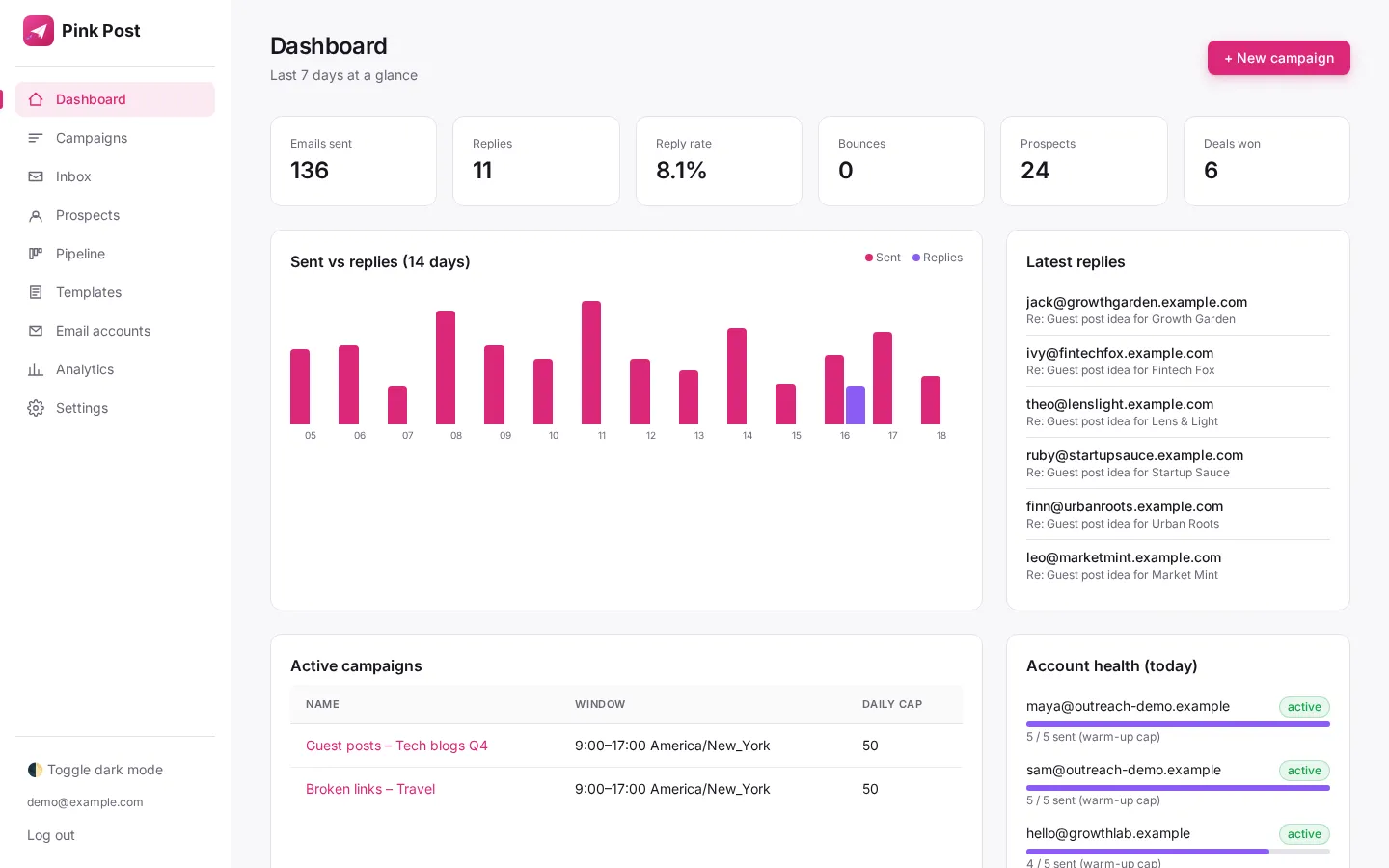
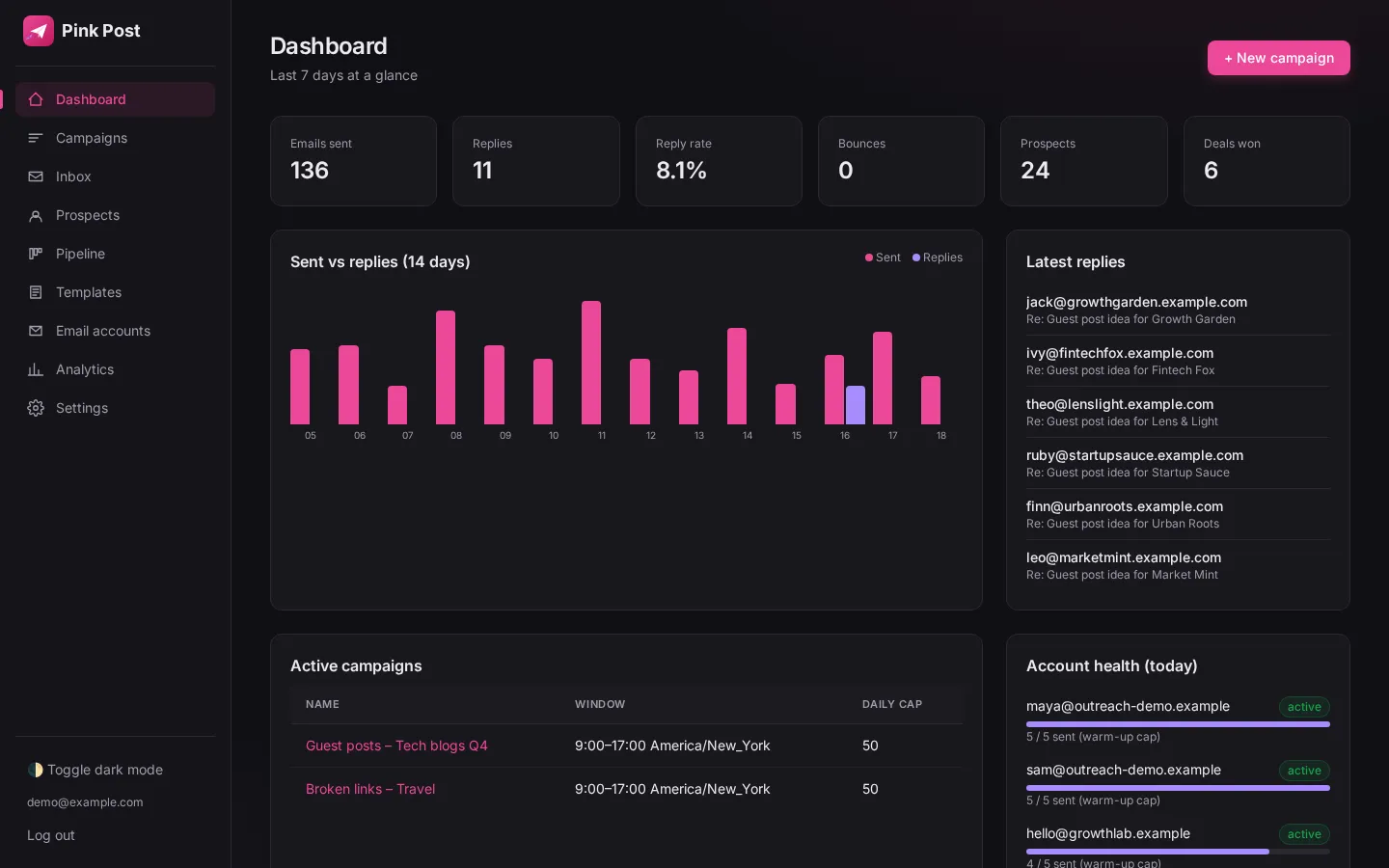
Why it matters
Connect Gmail, Google Workspace, Outlook or any SMTP/IMAP mailbox and send from addresses you own.
Pink Post connects to your existing mailboxes over SMTP/IMAP, auto-detects server settings for common providers, tests the connection and then sends and reads replies from those accounts. Your reputation and relationships stay yours.
How to use it
Set it up in a few steps
- 01
Open Email accounts and click Add account
Open Email accounts and click Add account.
- 02
Enter the address; Pink Post suggests server settings
Enter the address; Pink Post suggests server settings.
- 03
Run the connection test
Run the connection test.
- 04
Set sender name, signature and daily limits
Set sender name, signature and daily limits.
Under the hood
How it works
Connect
Add SMTP and IMAP details, or connect a Google account. Pink Post tests the connection before saving.
Send
Each email is sent through your provider, so it appears in your Sent folder.
Read replies
IMAP reading matches replies to threads for the unified inbox.
| Setting | Value |
|---|---|
| Providers | Gmail, Workspace, Outlook, Zoho, Hostinger, any SMTP/IMAP |
| Per plan | 1 / 3 / 10 / 30 mailboxes |
| Footer | Unsubscribe footer on by default |
| Safety | Limits, warm-up and rotation per mailbox |
Tips
Get more from it
Tip 1
Use a separate outreach domain or subdomain.
Tip 2
Check SPF, DKIM and DMARC first.
In a campaign
Where send from your own mailboxes fits in link building outreach
Pink Post runs a link building campaign in seven steps, from prospect list to a live link that keeps being checked. Here is where this feature does its work.
- Step 1
Import prospects
Upload a CSV, Excel file or Google Sheet of sites and contacts; Pink Post dedupes, blocklists and verifies them.
- Step 2
Pick a playbook
Start from a guest post, link insertion, broken link, resource page, skyscraper or partnership template.
- Step 3
Write the sequence
Edit the pitch and one or two follow-ups with conditions, placeholders and spintax; test subjects with A/B variants.
- Step 4 · this feature
Send safely
Emails go out from your own mailboxes with rotation, warm-up, limits and DNS checks.
- Step 5
Handle replies
Replies land in one inbox with labels; follow-ups stop on reply.
- Step 6
Close the deal
Move the deal to Negotiating and Deal done with the agreed price.
- Step 7
Keep the link
Mark it Link live and let Pink Post re-check the page.
Compared
Pink Post vs the usual setup
| Send from your own mailboxes in Pink Post | Typical cold email tool | Spreadsheet + Gmail | |
|---|---|---|---|
| Any SMTP/IMAP provider | Gmail only | ||
| Replies read into one inbox | |||
| Unsubscribe footer | Manual | ||
| Limits and warm-up per mailbox |
Plans
Send from your own mailboxes on every plan
| Free | Solo | Pro | Agency | |
|---|---|---|---|---|
| Price per month | $0 | $19 | $39 | $129 |
| Mailboxes | 1 | 3 | 10 | 30 |
| Prospects | 500 | 5,000 | 25,000 | 100,000 |
| Emails per month | 300 | 3,000 | 15,000 | 50,000 |
| Users | 1 | 1 | 3 | 10 |
| Live link checks per month | 25 | 250 | 2,500 | 10,000 |
Send from your own mailboxes works the same way on every plan; plans only change the limits above. Yearly billing costs $16, $32 and $108 a month. Compare plans in full.
FAQ
Questions, answered
Is it safe to connect my mailbox?
Use an app password or a dedicated outreach mailbox; Pink Post only uses it to send and read replies.
Should I use my main domain?
Many link builders use a separate but related domain to protect the main one.
Can I connect Gmail?
Yes, Gmail and Google Workspace are supported.
Does it work with Gmail and Outlook mailboxes?
Yes. Pink Post works the same with Gmail, Google Workspace, Outlook, Zoho, Hostinger and any SMTP/IMAP mailbox you connect.
Is send from your own mailboxes on the free plan?
Yes. Every plan includes it; plans differ by mailboxes, prospects, emails per month, users and live link checks. Free has 1 mailbox and 300 emails a month, Solo $19 has 3 mailboxes, Pro $39 has 10 and Agency $129 has 30.
How is send from your own mailboxes different from a cold email tool?
Cold email tools are designed for sales pipelines. In Pink Post every feature feeds a link deal: replies move deals, deals hold prices, and live links keep being checked, so the result of the campaign is a list of live links with their cost.
Run your next outreach campaign in Pink Post.
Free plan, no card. Connect your mailbox, import a list and launch a link-building playbook.