 Pink Post
Placeholders with fallbacks
Placeholders with fallbacks: personal, never broken
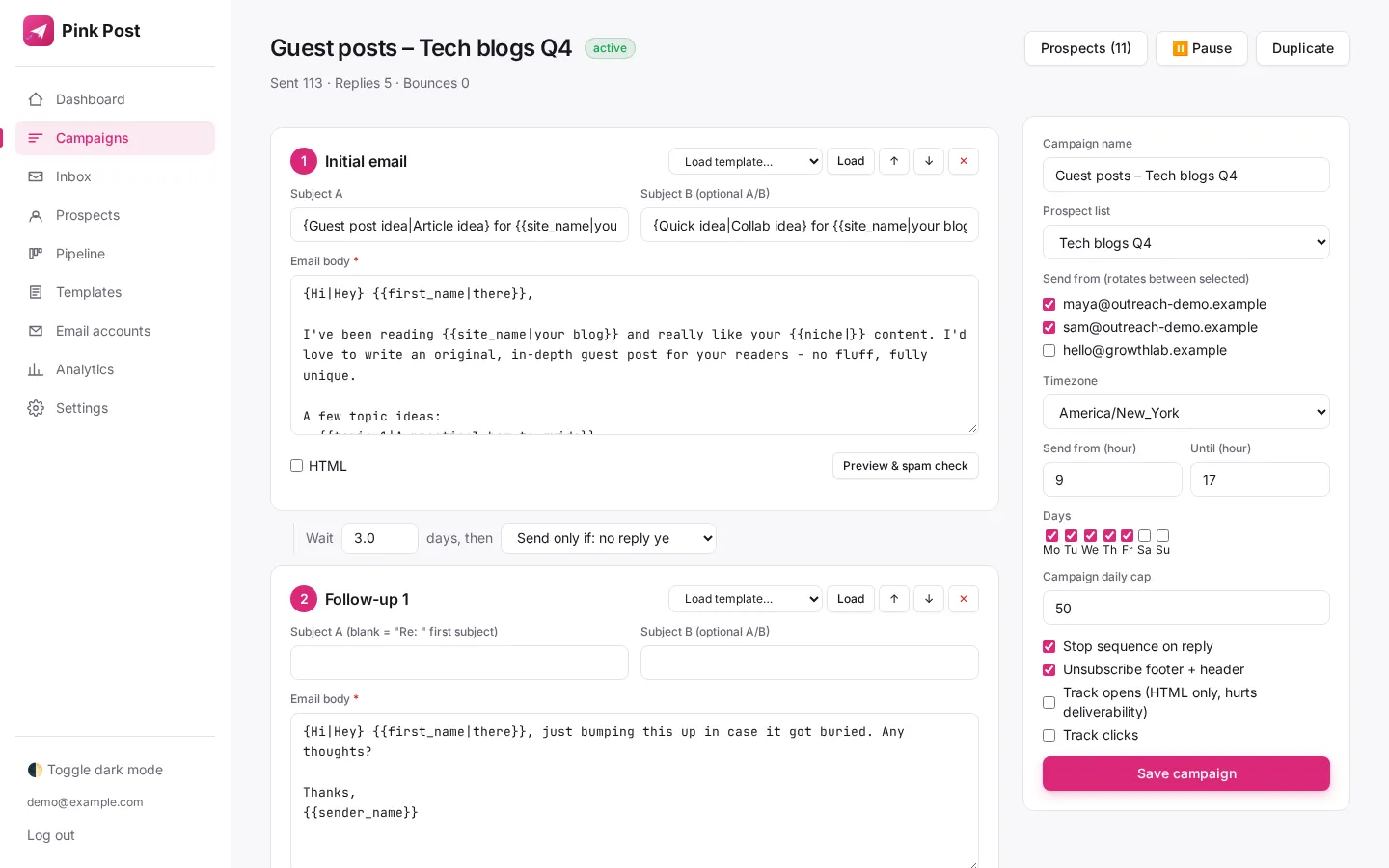
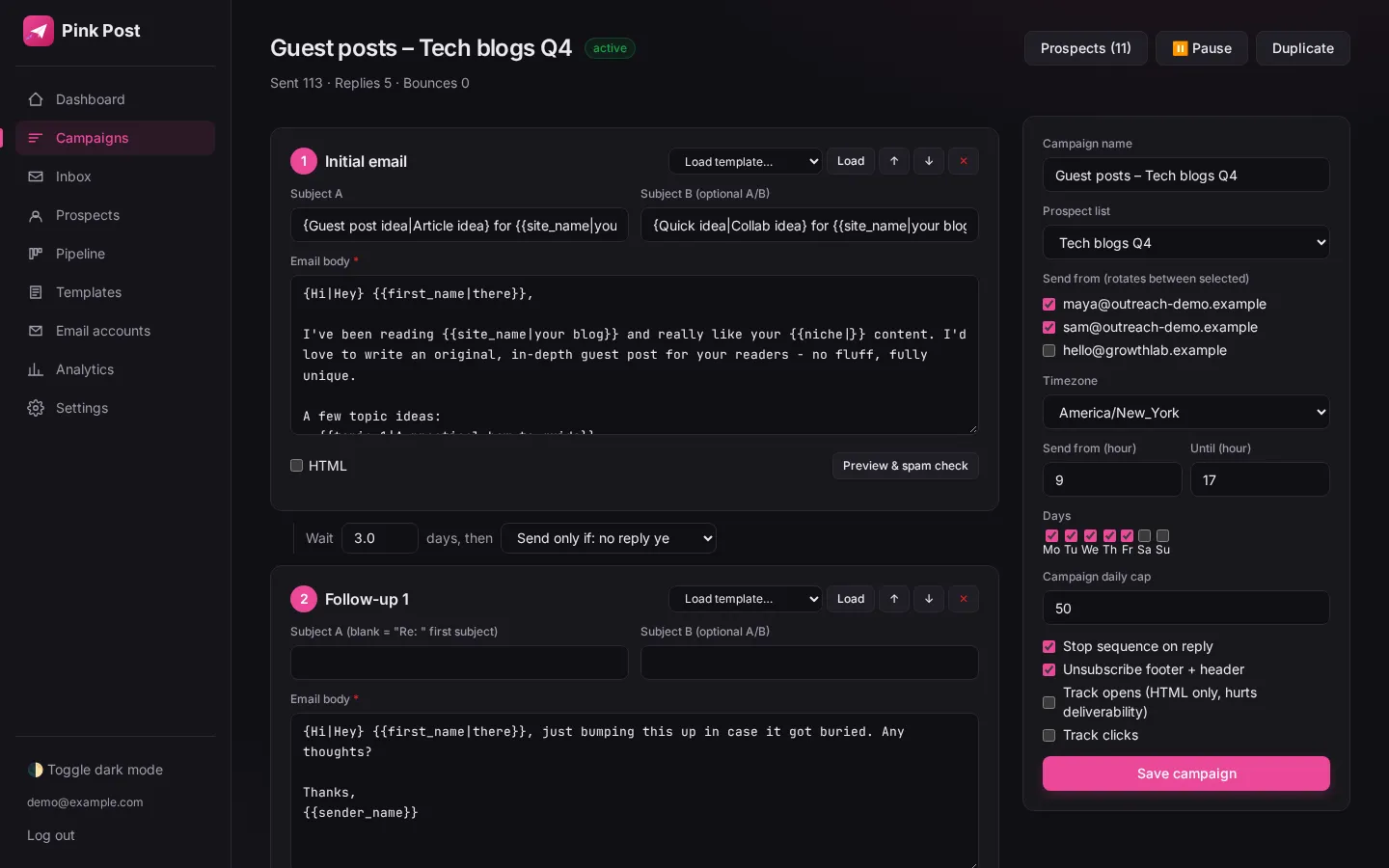
Placeholders insert prospect data such as {{first_name}}, {{site_name}}, {{website}} or {{niche}}, plus any custom column you imported. Add a fallback after a pipe, like {{first_name|there}}, and Pink Post uses it whenever the field is empty, so no one gets "Hi {{first_name}},".
Why it matters
Personal at scale, and never an embarrassing "Hi {{first_name}}," when data is missing.
Use variables like {{first_name}}, {{site_name}}, {{website}} or {{niche}}, plus any custom column from your import. Add a fallback after a pipe, for example {{first_name|there}}, used when the field is empty.
How to use it
Set it up in a few steps
- 01
Import prospects with the columns you want to use
Import prospects with the columns you want to use.
- 02
Insert variables from the variables help panel in the editor
Insert variables from the variables help panel in the editor.
- 03
Add a fallback with a pipe; the preview shows what a prospec
Add a fallback with a pipe; the preview shows what a prospect without data will see.
Under the hood
How it works
Any column becomes a variable
Custom CSV columns such as topic_1 or recent_article are available in the editor straight after import.
Fallback after a pipe
{{first_name|there}} renders "there" when first_name is blank.
Preview
The editor preview shows the email for a prospect with and without data.
| Setting | Value |
|---|---|
| Built-in | first_name, site_name, website, niche |
| Custom | Any imported column |
| Fallback syntax | {{field|default}} |
| AI | {{ai_intro}} with your own key, reviewed before sending |
Tips
Get more from it
Tip 1
Custom CSV columns such as topic_1 become variables automatically.
Tip 2
Optional AI intros ({{ai_intro}}) can be drafted from the prospect site title with your own OpenAI, Anthropic or xAI key, and are reviewed before sending.
In a campaign
Where placeholders with fallbacks fits in link building outreach
Pink Post runs a link building campaign in seven steps, from prospect list to a live link that keeps being checked. Here is where this feature does its work.
- Step 1
Import prospects
Upload a CSV, Excel file or Google Sheet of sites and contacts; Pink Post dedupes, blocklists and verifies them.
- Step 2
Pick a playbook
Start from a guest post, link insertion, broken link, resource page, skyscraper or partnership template.
- Step 3 · this feature
Write the sequence
Edit the pitch and one or two follow-ups with conditions, placeholders and spintax; test subjects with A/B variants.
- Step 4
Send safely
Emails go out at a safe pace with rotation, warm-up, limits and DNS checks.
- Step 5
Handle replies
Replies land in one inbox with labels; follow-ups stop on reply.
- Step 6
Close the deal
Move the deal to Negotiating and Deal done with the agreed price.
- Step 7
Keep the link
Mark it Link live and let Pink Post re-check the page.
Compared
Pink Post vs the usual setup
| Placeholders with fallbacks in Pink Post | Typical cold email tool | Spreadsheet + Gmail | |
|---|---|---|---|
| Fallback values | |||
| Custom columns as variables | Mail merge add-ons | ||
| Preview with missing data | Some | ||
| AI intro variable | Often paid |
Plans
Placeholders with fallbacks on every plan
| Free | Solo | Pro | Agency | |
|---|---|---|---|---|
| Price per month | $0 | $19 | $39 | $129 |
| Mailboxes | 1 | 3 | 10 | 30 |
| Prospects | 500 | 5,000 | 25,000 | 100,000 |
| Emails per month | 300 | 3,000 | 15,000 | 50,000 |
| Users | 1 | 1 | 3 | 10 |
| Live link checks per month | 25 | 250 | 2,500 | 10,000 |
Placeholders with fallbacks works the same way on every plan; plans only change the limits above. Yearly billing costs $16, $32 and $108 a month. Compare plans in full.
FAQ
Questions, answered
What fallback should I use for names?
"there" reads naturally: "Hi there,".
Can I use placeholders in subjects?
Yes, in subjects and bodies.
How is AI intro generated?
From the prospect site title using your own OpenAI, Anthropic or xAI key; you review it before sending.
Does it work with Gmail and Outlook mailboxes?
Yes. Pink Post works the same with Gmail, Google Workspace, Outlook, Zoho, Hostinger and any SMTP/IMAP mailbox you connect.
Is placeholders with fallbacks on the free plan?
Yes. Every plan includes it; plans differ by mailboxes, prospects, emails per month, users and live link checks. Free has 1 mailbox and 300 emails a month, Solo $19 has 3 mailboxes, Pro $39 has 10 and Agency $129 has 30.
How is placeholders with fallbacks different from a cold email tool?
Cold email tools are designed for sales pipelines. In Pink Post every feature feeds a link deal: replies move deals, deals hold prices, and live links keep being checked, so the result of the campaign is a list of live links with their cost.
Run your next outreach campaign in Pink Post.
Free plan, no card. Import your contacts, write a personal sequence and launch your first outreach campaign.