 Pink Post
Blocklist, do-not-contact and dedupe
Blocklist and dedupe: never email the wrong person twice
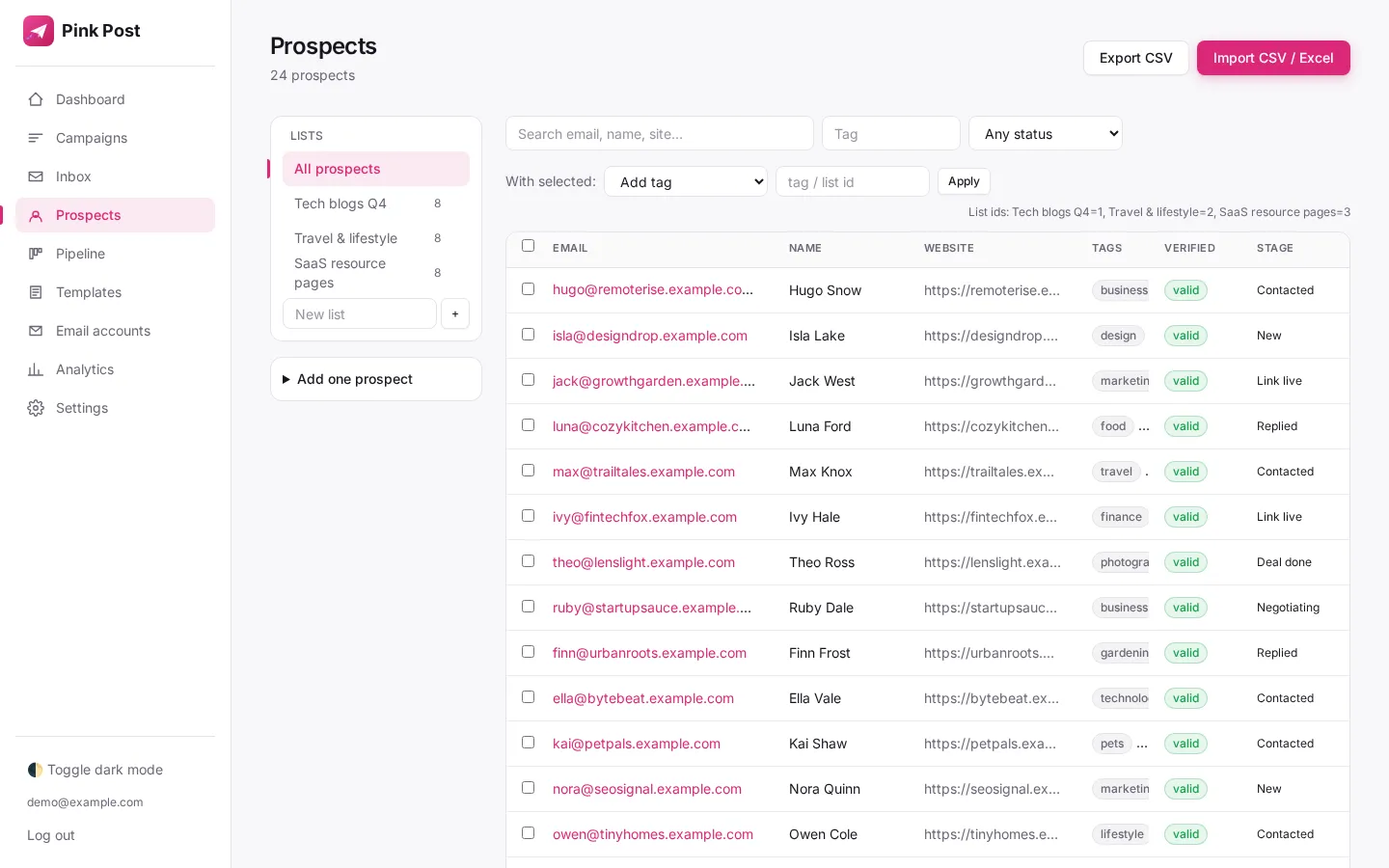
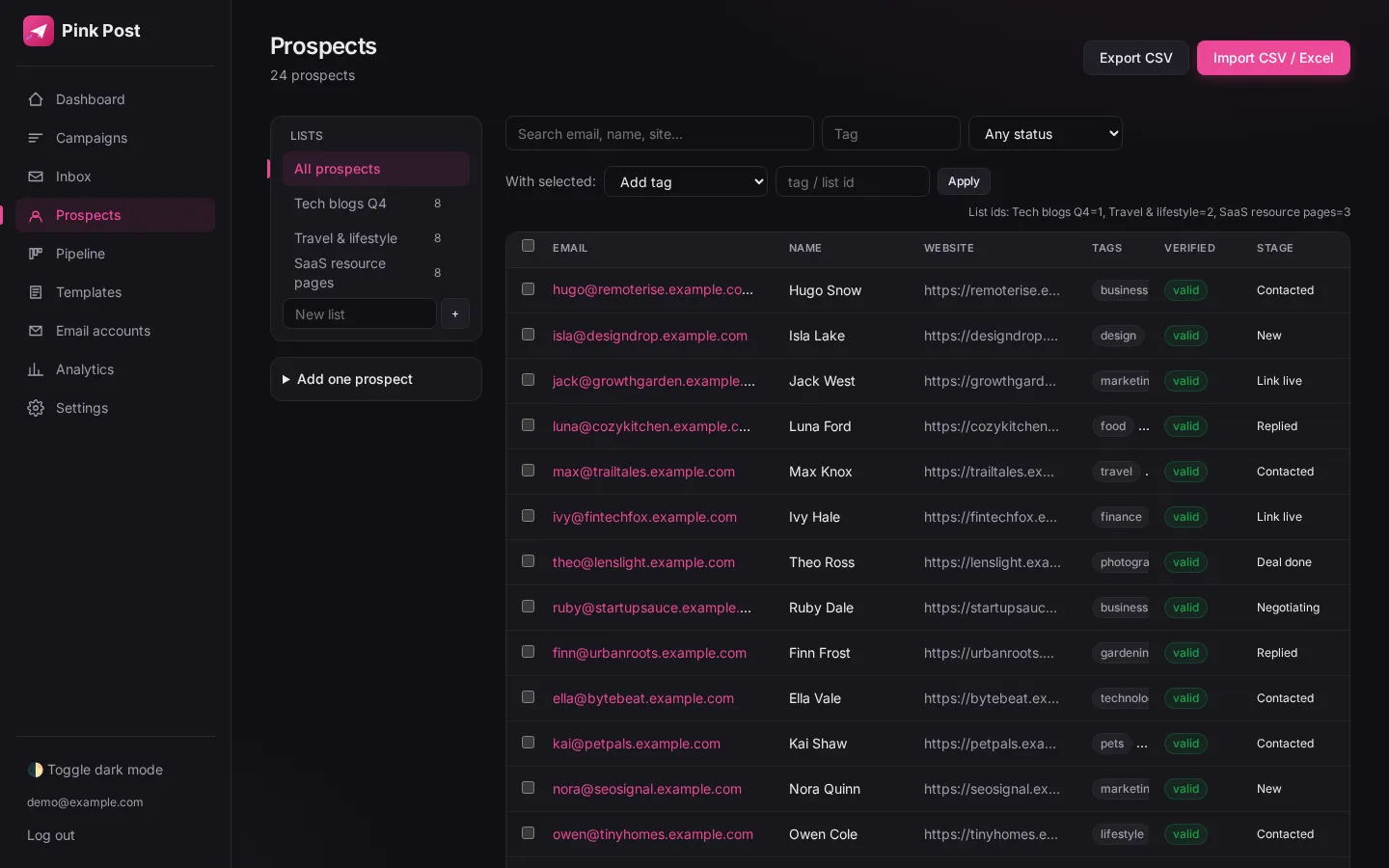
Pink Post keeps a global blocklist of emails and whole domains, lets you flag any prospect as do-not-contact, and skips duplicates on every import, both against your existing prospects and within the file itself.
Why it matters
Never email the same person twice, a competitor, or someone who said no.
A global blocklist accepts full emails or whole domains. Anyone matching is skipped on import and never emailed. Prospects can be flagged do-not-contact individually, and imports skip duplicates both against your database and within the file.
How to use it
Set it up in a few steps
- 01
Add emails or domains (one per line) to the blocklist in Set
Add emails or domains (one per line) to the blocklist in Settings.
- 02
Flag a prospect as do-not-contact from their page or in bulk
Flag a prospect as do-not-contact from their page or in bulk.
- 03
Import a CSV; the summary shows how many duplicates were ski
Import a CSV; the summary shows how many duplicates were skipped.
Under the hood
How it works
Domains or emails
Add full addresses or whole domains, one per line. Anyone matching is skipped on import and never emailed.
Do-not-contact flag
Flag individuals from their page or in bulk; they are excluded from every campaign.
Two-way dedupe
Imports are checked against the database and against other rows in the same file; the summary shows how many were skipped.
| Setting | Value |
|---|---|
| Blocklist entries | Emails and domains |
| Do-not-contact | Per prospect, single or bulk |
| Dedupe | Against database + within file |
| Import summary | Created, updated, skipped, invalid |
Tips
Get more from it
Tip 1
Add your own company domain and your clients' domains to the blocklist first.
In a campaign
Where blocklist, do-not-contact and dedupe fits in link building outreach
Pink Post runs a link building campaign in seven steps, from prospect list to a live link that keeps being checked. Here is where this feature does its work.
- Step 1 · this feature
Import prospects
Upload a CSV, Excel file or Google Sheet of sites and contacts; Pink Post dedupes, blocklists and verifies them.
- Step 2
Pick a playbook
Start from a guest post, link insertion, broken link, resource page, skyscraper or partnership template.
- Step 3
Write the sequence
Edit the pitch and one or two follow-ups with conditions, placeholders and spintax; test subjects with A/B variants.
- Step 4
Send safely
Emails go out at a safe pace with rotation, warm-up, limits and DNS checks.
- Step 5
Handle replies
Replies land in one inbox with labels; follow-ups stop on reply.
- Step 6
Close the deal
Move the deal to Negotiating and Deal done with the agreed price.
- Step 7
Keep the link
Mark it Link live and let Pink Post re-check the page.
Compared
Pink Post vs the usual setup
| Blocklist, do-not-contact and dedupe in Pink Post | Typical cold email tool | Spreadsheet + Gmail | |
|---|---|---|---|
| Domain-level blocklist | Some | ||
| Do-not-contact flag | Manual | ||
| Dedupe within the file | Some | Manual | |
| Unsubscribes added automatically |
Plans
Blocklist, do-not-contact and dedupe on every plan
| Free | Solo | Pro | Agency | |
|---|---|---|---|---|
| Price per month | $0 | $19 | $39 | $129 |
| Mailboxes | 1 | 3 | 10 | 30 |
| Prospects | 500 | 5,000 | 25,000 | 100,000 |
| Emails per month | 300 | 3,000 | 15,000 | 50,000 |
| Users | 1 | 1 | 3 | 10 |
| Live link checks per month | 25 | 250 | 2,500 | 10,000 |
Blocklist, do-not-contact and dedupe works the same way on every plan; plans only change the limits above. Yearly billing costs $16, $32 and $108 a month. Compare plans in full.
FAQ
Questions, answered
What should I blocklist first?
Your own domain, your clients' domains and any competitor you never want to contact.
Are unsubscribes blocklisted?
Unsubscribed people are excluded from future sends automatically.
Can I import a blocklist?
Paste emails or domains one per line in Settings.
Does it work with Gmail and Outlook mailboxes?
Yes. Pink Post works the same with Gmail, Google Workspace, Outlook, Zoho, Hostinger and any SMTP/IMAP mailbox you connect.
Is blocklist, do-not-contact and dedupe on the free plan?
Yes. Every plan includes it; plans differ by mailboxes, prospects, emails per month, users and live link checks. Free has 1 mailbox and 300 emails a month, Solo $19 has 3 mailboxes, Pro $39 has 10 and Agency $129 has 30.
How is blocklist, do-not-contact and dedupe different from a cold email tool?
Cold email tools are designed for sales pipelines. In Pink Post every feature feeds a link deal: replies move deals, deals hold prices, and live links keep being checked, so the result of the campaign is a list of live links with their cost.
Run your next outreach campaign in Pink Post.
Free plan, no card. Import your contacts, write a personal sequence and launch your first outreach campaign.