 Pink Post
Marketing outreach, all in one place
Reach out.
Make it count.
Pitch publishers, journalists, creators and partners with personal sequences, follow up automatically and turn every reply into a tracked deal—whether you are earning coverage, building partnerships or launching something new.
Free plan, free forever · No card needed · Paid plans from $19/month
Hi there, I loved your recent piece on vegan recipes. I would like to write a practical guest post for your readers…
- 1List importedYour own contacts
- 2Pitch sentfrom your mailbox
- 3Follow-upday 4, auto
- 4Replylabelled “interested”
- 5Link livechecked on the page
Link live on veganrecipesblog.example
Why Pink Post
Outreach should not mean juggling four tools
A spreadsheet of prospects
Contacts, campaign notes and next steps scattered across sheets.
A cold email tool
Sending is only the start. The real work begins when people reply.
A busy inbox
Replies, out-of-office messages and price quotes mixed in with everything else.
A separate deal tracker
Opportunities and agreed terms get lost between your inbox and a spreadsheet.
Pink Post brings campaign setup, follow-ups, replies and deal tracking into one workspace for your marketing outreach. Compare it with other outreach tools.
How it works
From contact list to meaningful conversations
- 01
Import prospects
Upload a CSV or Excel file, or sync a Google Sheet. Pink Post maps columns, removes duplicates, checks your blocklist and verifies each email with a syntax and MX check.
- 02
Pick a playbook
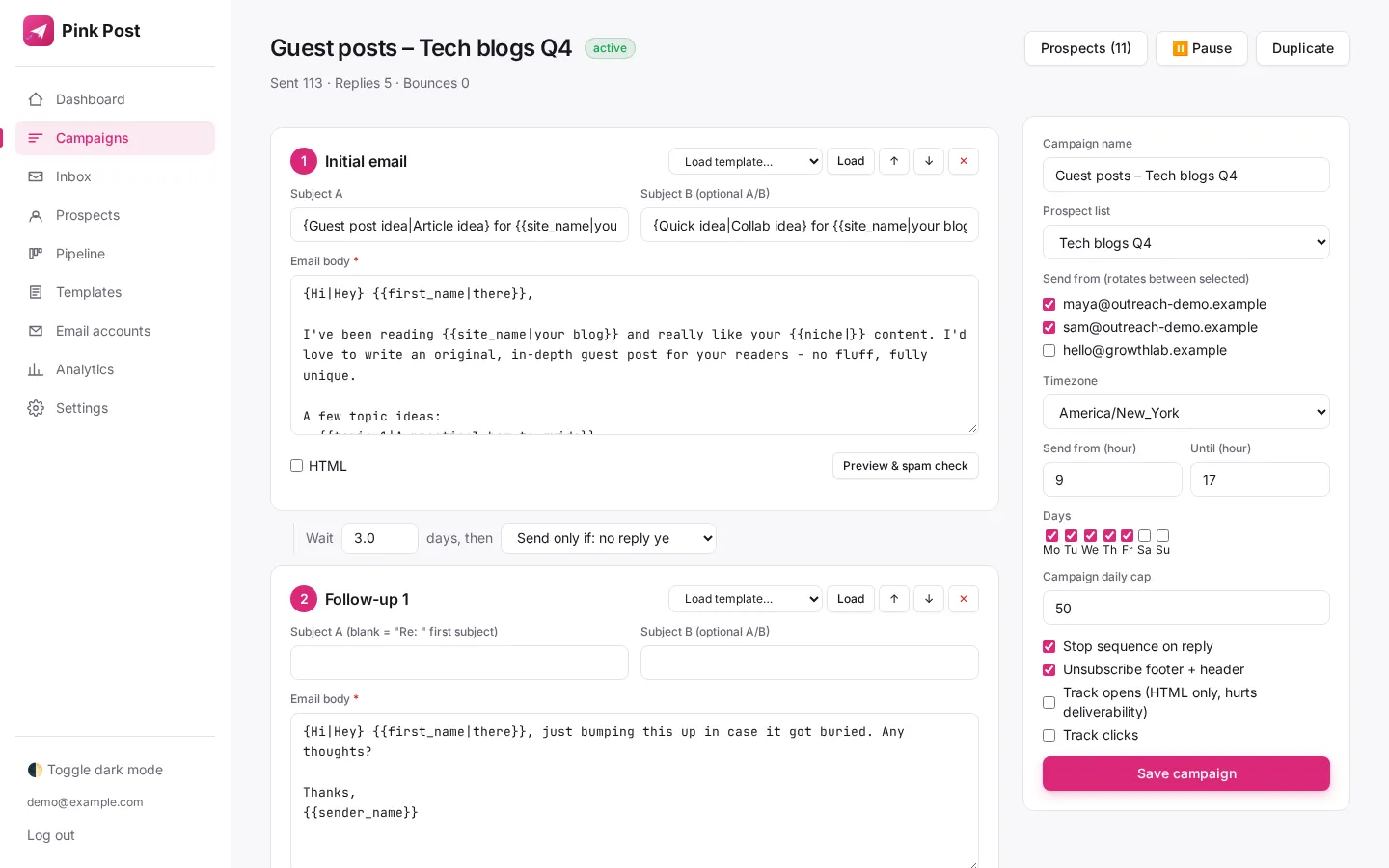
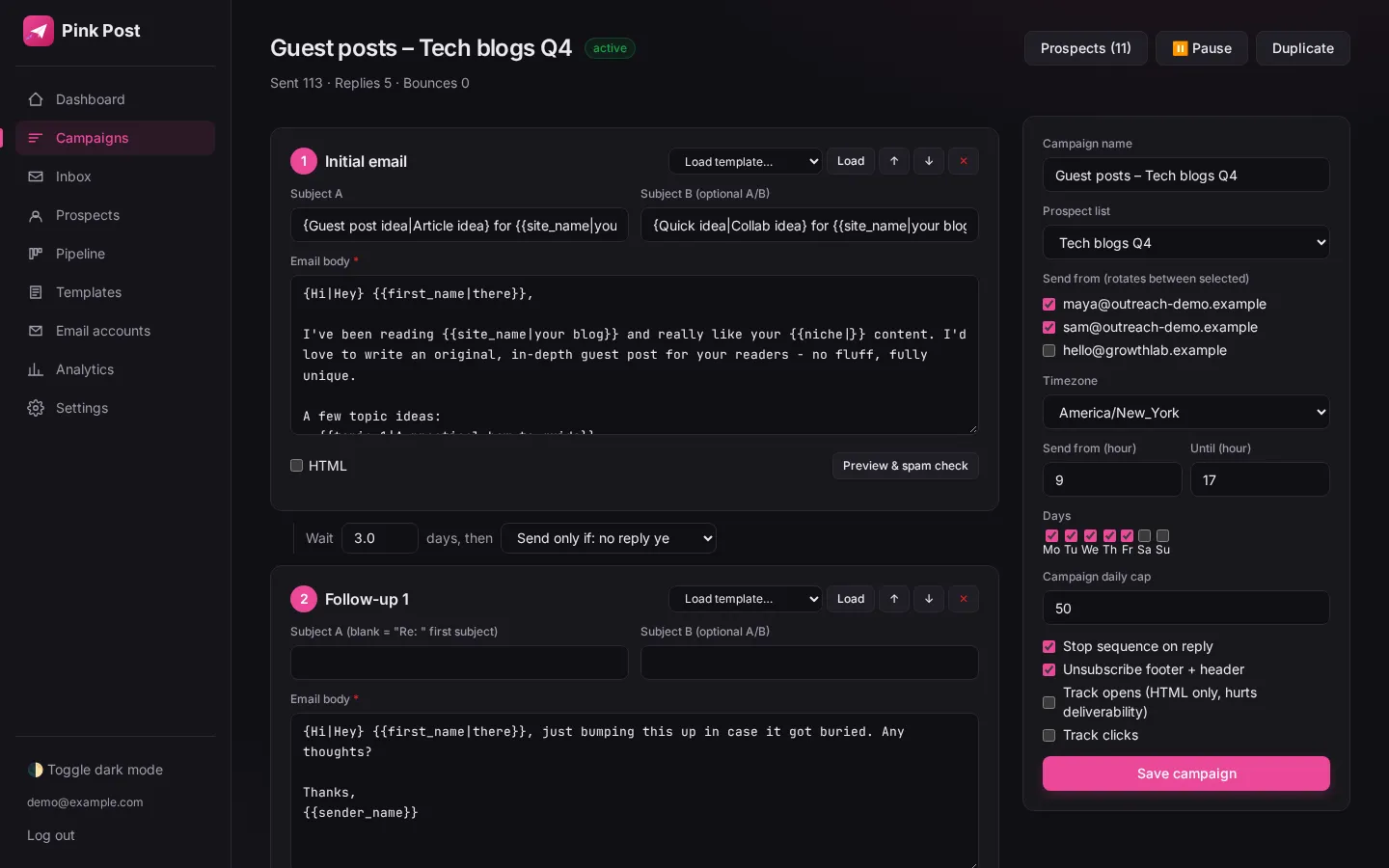
Write a sequence for your goal with placeholders, spintax and A/B subject lines. For link-building campaigns, six specialist playbooks give you a head start.
- 03
Send safely
Emails rotate across your mailboxes inside your send window, with daily and hourly caps, random 90–300 second gaps and an automatic warm-up ramp.
- 04
Work the replies
Every reply lands in one inbox, labelled interested, negotiating, later, not interested or wrong person. Follow-ups stop the moment someone answers.
- 05
Close the deal
Move the conversation through New, Contacted, Replied, Negotiating and Deal done, with the agreed price saved on the deal.
- 06
Track published links
For campaigns that earn a published link, mark it Link live. Pink Post checks the page on a schedule and flags missing links.
Built around your goal
Your audience changes. Your workflow stays organised.
These are ways to use the campaign tools already in Pink Post—not separate template packs. Bring your own contacts and write a sequence for the conversation you want to start.
Media outreach
Pitch a relevant story to journalists and editors. Personalise the opening, schedule follow-ups and keep every response together.
Partnerships and co-marketing
Start conversations with complementary brands, newsletter owners and potential collaborators. Keep follow-ups and agreed terms in view.
Product announcements
Introduce a launch to a carefully chosen list of publishers or creators. Write a campaign for your audience and handle replies from one inbox.
Content promotion
Share a useful report, guide or resource with people it is relevant to. Test subject lines and stop follow-ups when someone answers.
Creator and podcast outreach
Pitch a collaboration or guest appearance with a personalised sequence. Organise interested replies and track the next conversation.
Link building
Use existing specialist playbooks for guest posts, link insertions and more, then track deals and check published links.
Playbooks
Link-building playbooks when you need them
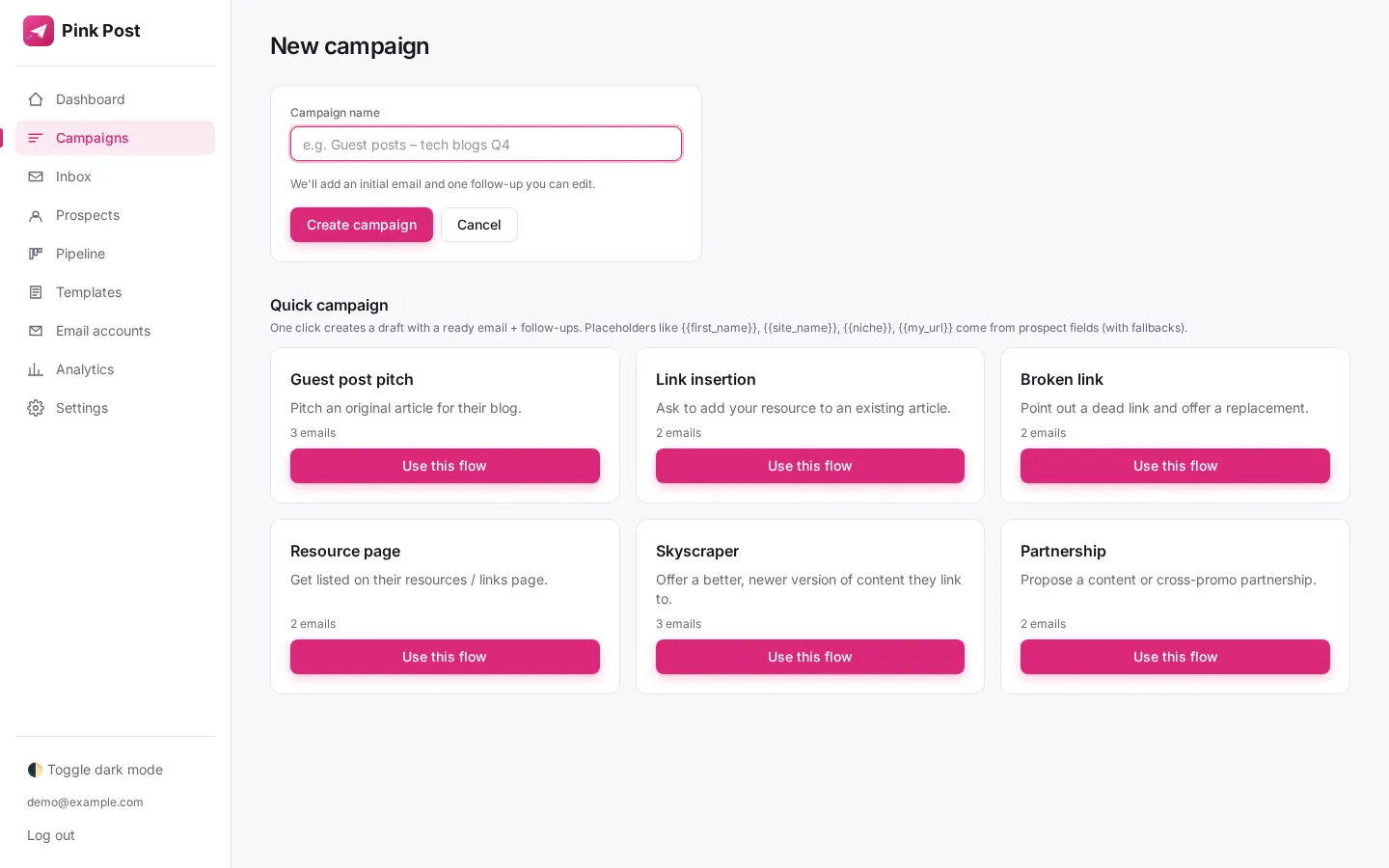
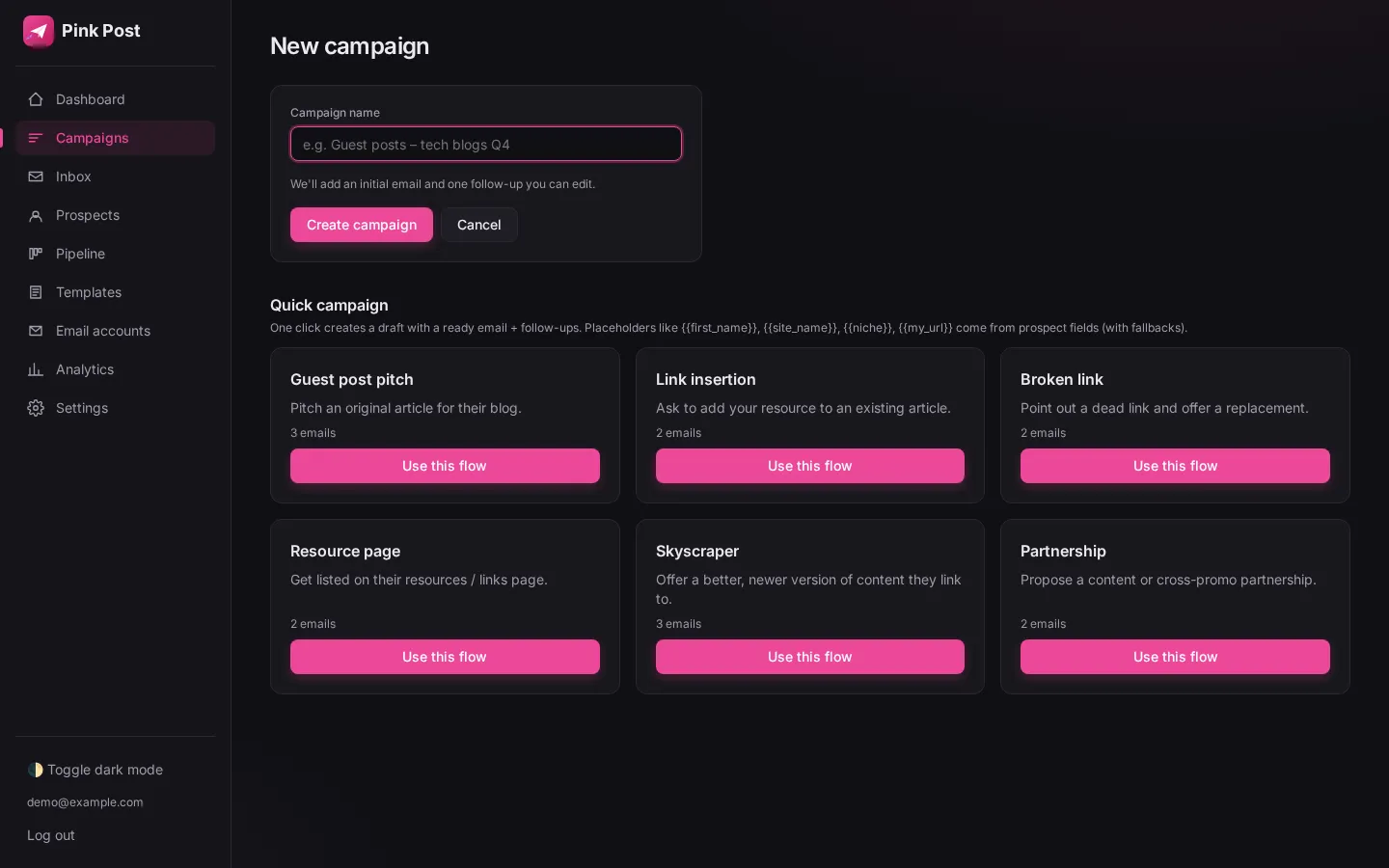
Create your own sequence for any marketing outreach goal. If you are building links, these six existing playbooks include a first pitch and follow-ups you can adapt. See quick campaign templates.
Guest post
Pitch editors on sites with a "write for us" page with 2–3 topic ideas that fit their blog.
Link insertion
Ask for your link inside an existing, ranking article where it adds a useful source.
Broken link
Point out a dead outbound link and offer your page as the working replacement.
Resource page
Suggest your guide for curated "useful resources" lists in your niche.
Skyscraper
Show writers who linked to an older piece the newer, more complete version you published.
Partnership
Propose a content swap, co-marketing piece or ongoing link partnership.
Replies and deals
Every reply, deal and price in view
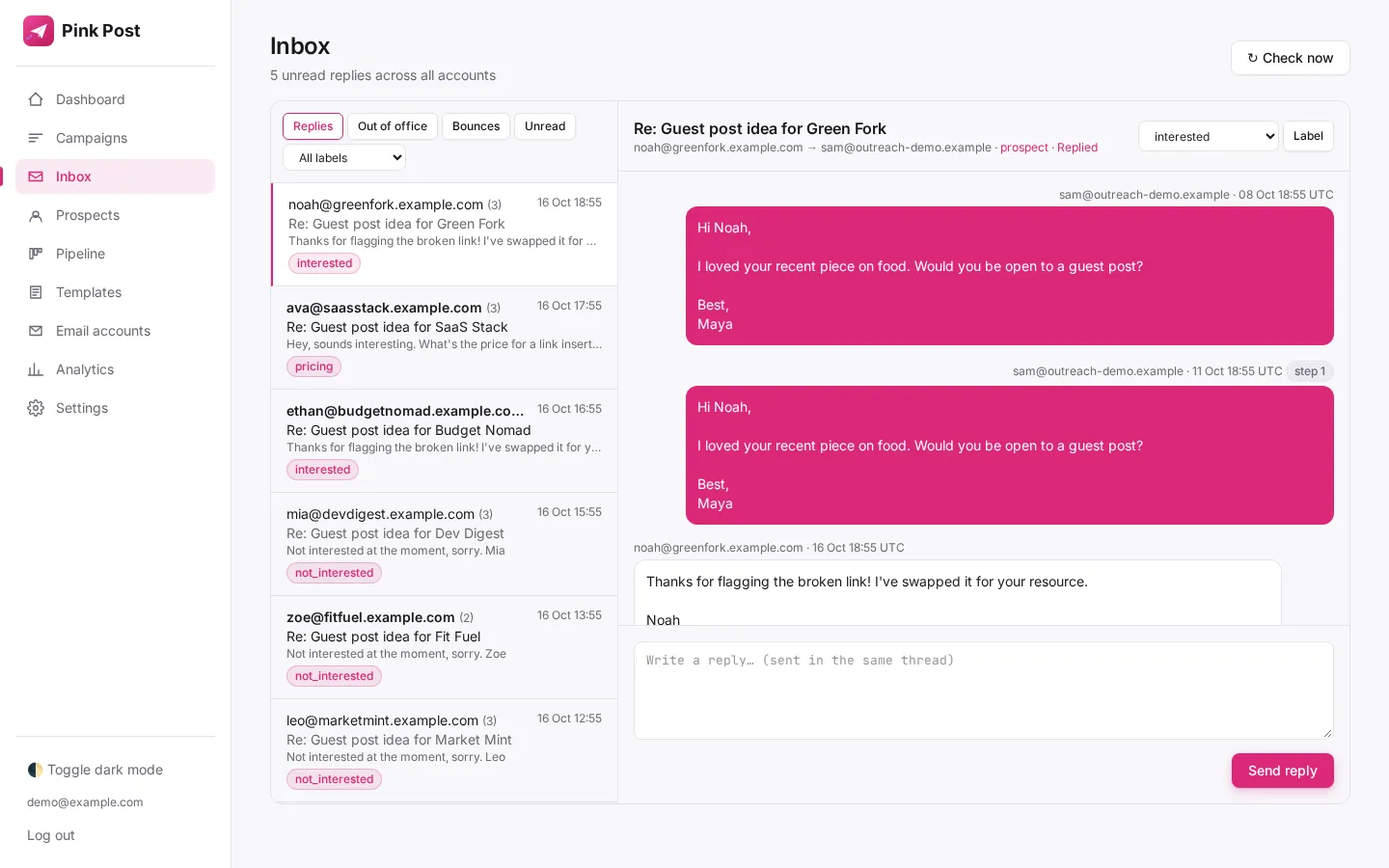
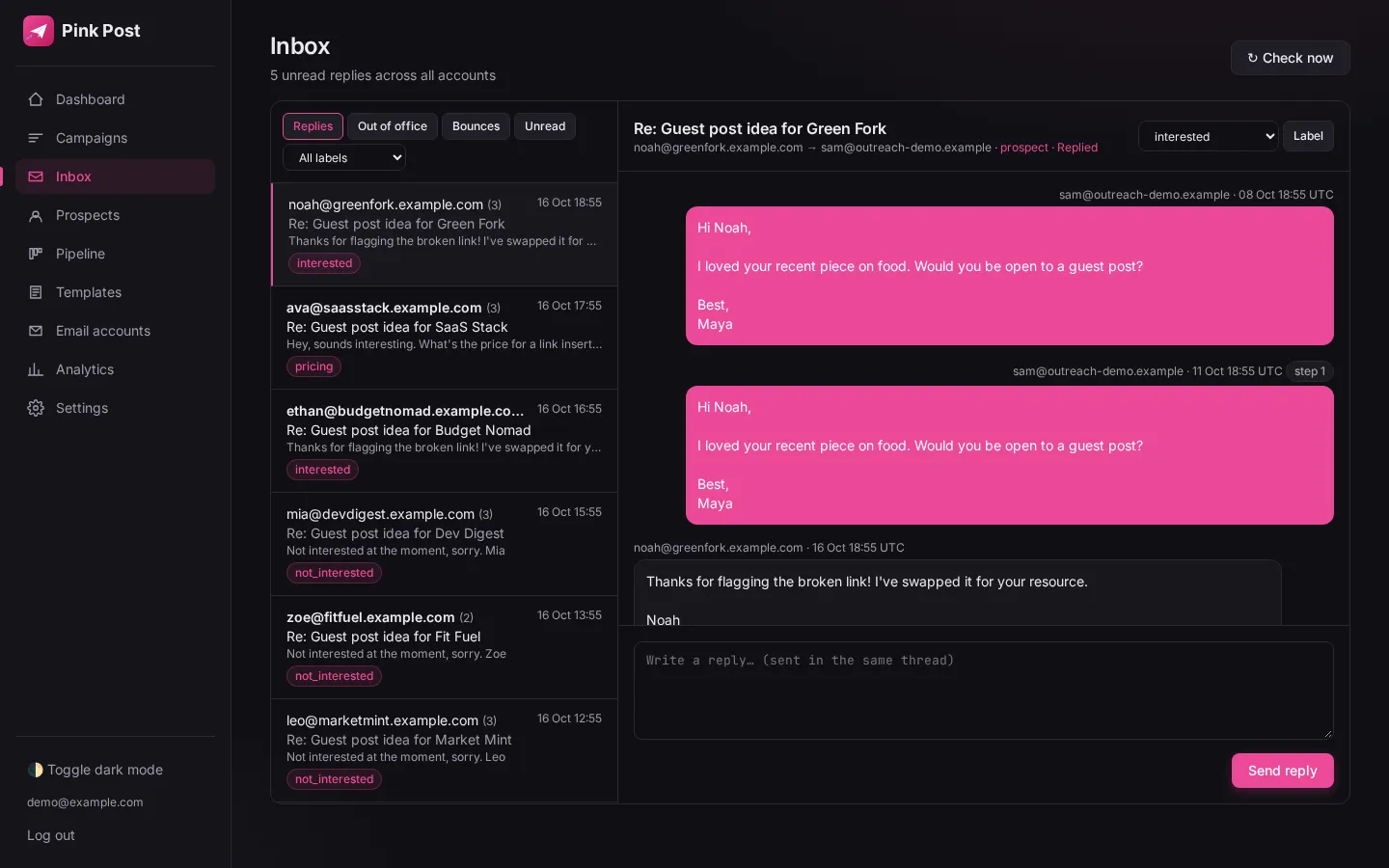
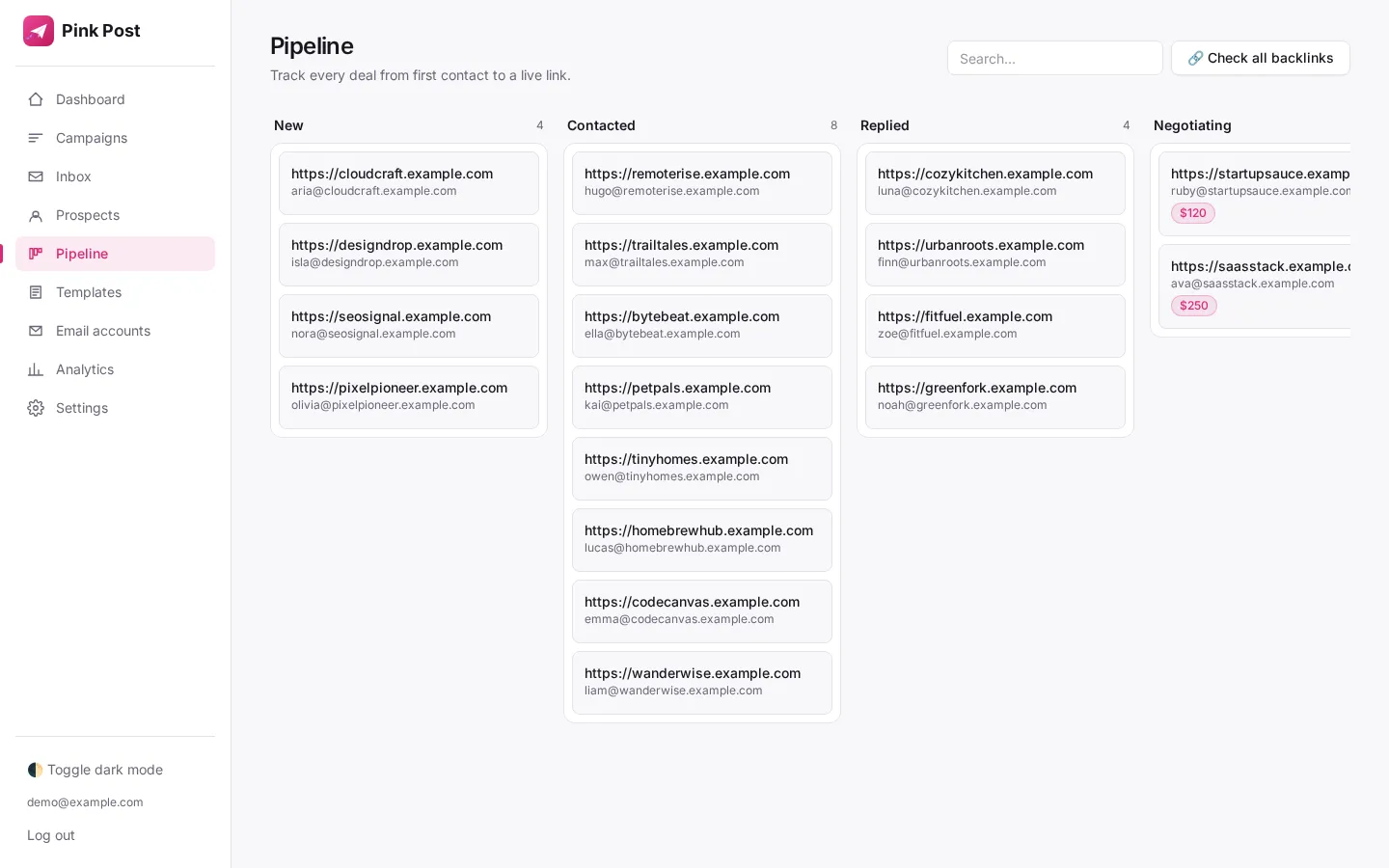
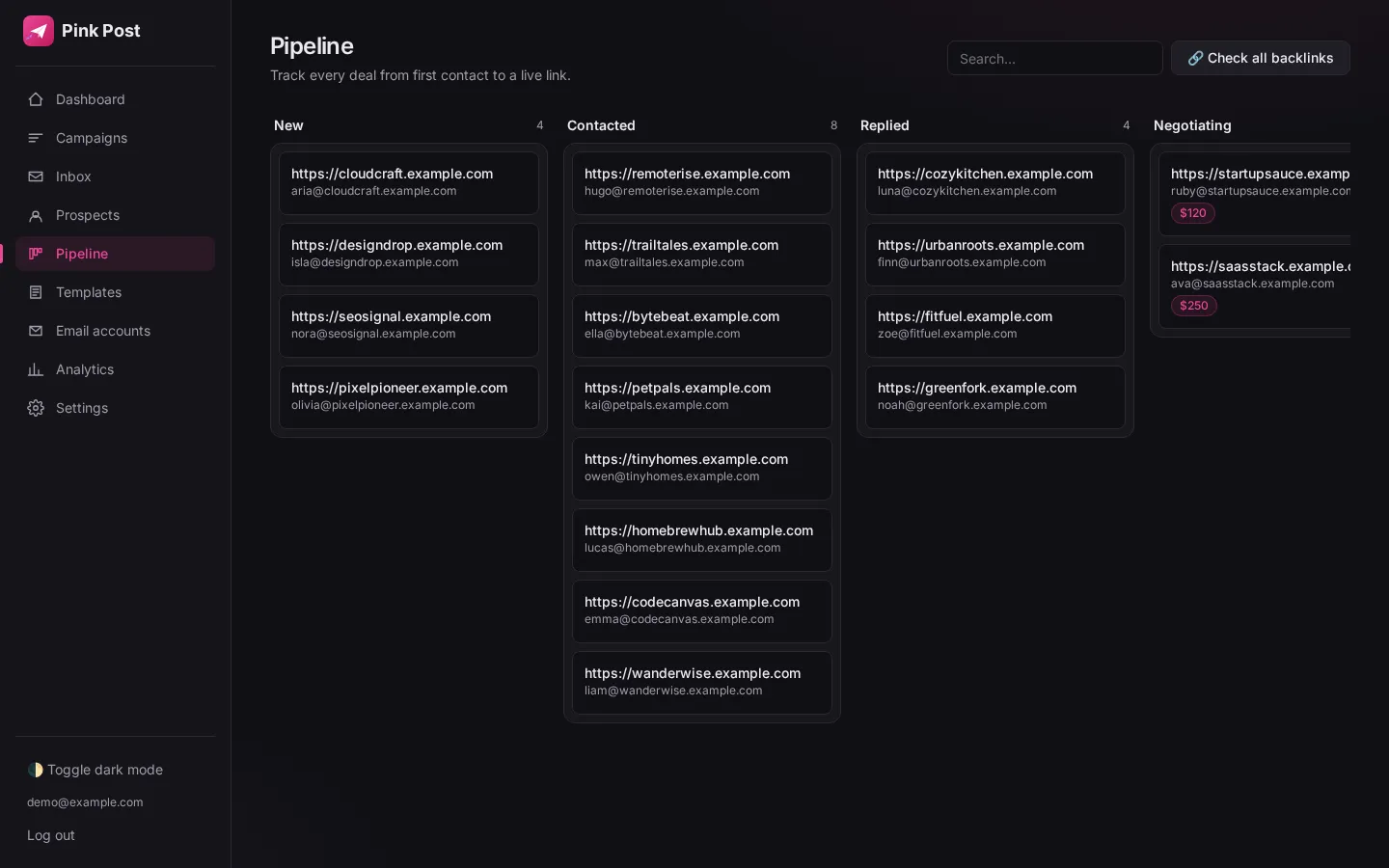
One inbox for all mailboxes
Read and answer replies from every connected account in one thread view. Unified inbox.
Labelled automatically
Keywords mark replies as interested, negotiating (price or fee mentioned), later, not interested or wrong person. Out-of-office replies are spotted separately.
Deals with prices
Each deal keeps its price and stage, so agreed terms stay with the conversation. Deal pipeline.
Deliverability
Sending rules that protect your domain
| Setting | Default in Pink Post | Why it matters |
|---|---|---|
| Daily limit per mailbox | 30 emails | Keeps each inbox inside normal human volume |
| Hourly limit | 8 emails | Avoids bursts that spam filters notice |
| Gap between emails | Random 90–300 seconds | Removes the robotic, evenly spaced pattern |
| Warm-up ramp | Starts at 5/day, +2 per day | New mailboxes build reputation gradually |
| Send window | 09:00–17:00 in your time zone | Emails arrive during working hours |
| Bounce protection | Pauses at 5% bounces (30 days, 20+ sends) | Stops a bad list before it hurts the domain |
| Open and click tracking | Off by default | Tracking pixels and links can hurt inbox placement |
Check your SPF, DKIM and DMARC records with the built-in DNS deliverability checker and learn more about sending limits and the warm-up ramp.
Pricing
Start small. Grow your outreach.
| Plan | Monthly | Yearly (per month) | Mailboxes | Emails / month |
|---|---|---|---|---|
| Free | $0 | — | 1 | 300 |
| Solo | $19 | $16 | 3 | 3,000 |
| Pro | $39 | $32 | 10 | 15,000 |
| Agency | $129 | $108 | 30 | 50,000 |
Every plan costs less than the cheapest comparable plan from Instantly, Hunter, Lemlist, BuzzStream or Pitchbox. See full pricing and the comparison.
Explore
Where to go next
The platform
Every part of Pink Post, end to end.
Blogger outreach guide
How to plan, pitch and follow up with bloggers.
Best link building tools
The tools link builders use, compared.
BuzzStream alternative
How Pink Post compares with BuzzStream.
All features
Sequences, inbox, pipeline, link checks and more.
Link building outreach
A workflow for agencies and freelancers.
FAQ
Questions, answered
What is Pink Post?
Pink Post is a marketing outreach platform for pitching and following up with publishers, journalists, creators and partners, from first email to closed deal. Teams use it for PR, link building, product launches and partnerships, with email sequences, automatic follow-ups, a unified reply inbox, a deal pipeline and an AI agent that helps run campaigns.
Who is Pink Post for?
Marketing teams, agencies and independent marketers who run relationship-led outreach: media pitches, partnerships, product announcements, content promotion and link building.
Does Pink Post send from my own email?
Yes. You connect Gmail, Google Workspace, Outlook, Zoho or any SMTP/IMAP mailbox. Emails go out from your address and replies come back to it, so the sending reputation stays yours.
How is Pink Post different from a cold email tool?
Pink Post keeps the work after sending in view: a unified inbox, keyword-based reply labels and a deal pipeline alongside personalised sequences and sending controls. Specialist link-building playbooks and live link checks are included for teams that need them.
How much does Pink Post cost?
There is a free plan. Paid plans are $19, $39 and $129 a month, each priced below comparable competitor plans. The Free plan is $0 forever, no card needed.
Does Pink Post use AI?
Yes. The Pink Post Agent is a chat inside the app: describe a task, such as importing a list, drafting a campaign or answering a reply, and it asks for your approval before it changes anything or sends an email. You can also draft intro lines with your own OpenAI, Anthropic or xAI key, or connect an MCP client such as Claude.
Your next opportunity starts with a conversation.
Free plan, no card. Import your contacts, write a personal sequence and launch your first outreach campaign.