The short answer
The best BuzzStream alternative for solo link builders and small agencies is a tool that keeps BuzzStream's outreach CRM idea but adds bulk sending and follow-ups on every plan. Pink Post does that from $19 a month, while BuzzStream's bulk send and automated follow-ups start on its $174 Growth plan.
What BuzzStream is
BuzzStream is a long-running outreach CRM for link building and digital PR. It helps you research contacts, keep relationship history with each site and send outreach from your own email. Its public plans are Starter at $49/month (1 user, 500 contacts), Growth at $174/month (3 users, 25,000 contacts), Professional at $424/month and Custom from $999/month.
Why people look for a BuzzStream alternative
Bulk sending starts at $174/month
On BuzzStream's pricing page, bulk send and automated follow-ups are listed from the Growth plan. A freelancer sending a few hundred pitches a month pays Growth prices to automate them.
500 contacts on Starter
The $49 Starter plan holds 500 contacts, which a single guest post campaign can fill.
It is a CRM, not a deal tracker
BuzzStream records relationships well, but link builders also need the agreed price per link and a check that the link is still live months later.
What BuzzStream does well
- Mature contact and relationship history for each site
- Contact discovery and a Chrome extension for prospecting
- Publisher metrics and an Ahrefs integration on Growth and higher
BuzzStream pricing vs Pink Post pricing
Prices below are the public list prices on www.buzzstream.com/plans-pricing and Pink Post pricing, checked on 25 October 2026.
Which one should you choose?
Choose BuzzStream if
- You need built-in contact discovery and publisher metrics inside the tool
- You run large digital PR campaigns with a team and budget above $170 a month
- Relationship history across years of outreach is the main thing you need
Choose Pink Post if
- You want bulk sending and follow-ups on the cheapest plan
- You track the price of each guest post or link insertion
- You want to know when a won link disappears
- You find prospects with Ahrefs, Semrush or Google and import them as CSV
What the same workflow looks like in Pink Post
Here is how a typical guest post campaign runs in Pink Post, so you can compare it with your current BuzzStream setup step by step.
1. Build and clean the list
Export a list of sites from Ahrefs, Semrush or a Google "write for us" search and import it as CSV or a synced Google Sheet. Pink Post maps the columns, skips duplicates and blocklisted domains, and checks each address for valid syntax and a working MX record, so bounces stay low.
2. Choose a playbook
Pick the guest post, link insertion, broken link, resource page, skyscraper or partnership playbook. Each one has a first email and follow-ups you can edit, with placeholders such as first name and site that fall back to a default when a field is empty.
3. Send without burning a domain
Pink Post rotates emails to whichever mailbox has used the smallest share of its daily limit, keeps follow-ups in the original thread, waits a random 90–300 seconds between sends and pauses a campaign automatically if bounces pass 5%.
4. Answer replies and agree a price
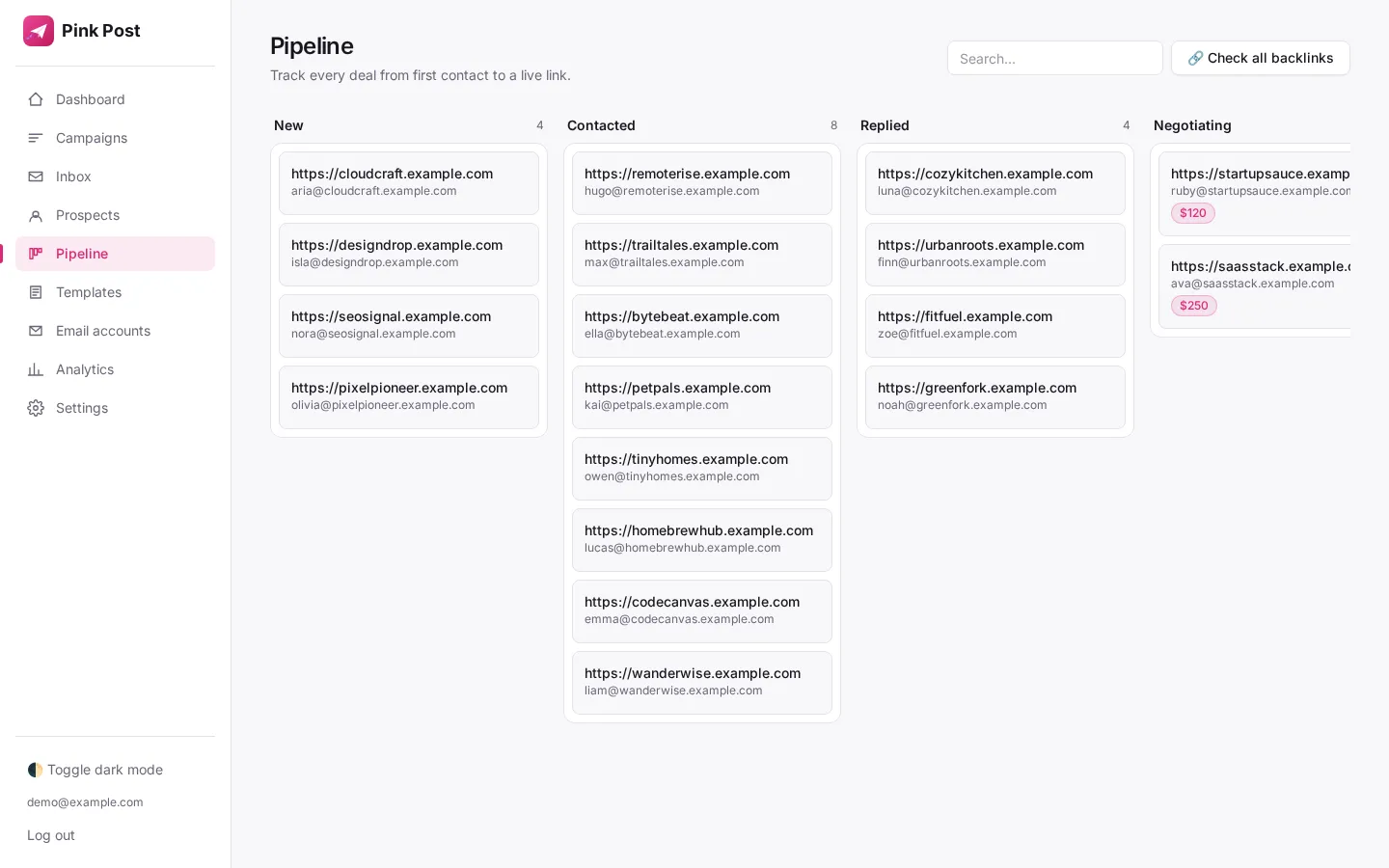
Replies from every mailbox land in one inbox. Messages that mention a price or fee are labelled negotiating, so paid placement offers are easy to find. Move each conversation to Negotiating and then Deal done with the agreed price.
5. Keep checking the link
Once the post is live, mark the deal Link live. Pink Post re-fetches the page on a schedule, and if your URL disappears the deal is flagged as missing so you can ask the editor to restore it.
What it costs over a year
On monthly billing, BuzzStream Growth costs $2,088 a year ($174 × 12). Pink Post Pro, with the same 3 users and 25,000 prospects, costs $468 a year monthly or $384 a year on yearly billing. That is $1,620–$1,704 a year back in your link budget, enough for several extra paid placements.
How to switch from BuzzStream to Pink Post
- Export your contacts. Export prospects and contacts as CSV from your current tool.
- Import to Pink Post. Upload the CSV, map columns (email, first name, site, custom fields) and let Pink Post dedupe and verify the list.
- Connect your mailboxes. Add the same Gmail, Outlook or SMTP/IMAP mailboxes you used before; your sending history stays with your domain.
- Rebuild sequences. Start from a link-building playbook or paste your existing templates; {{first_name|there}} style placeholders support fallbacks.
- Move open deals. Add deals you are still negotiating to the pipeline with their price and stage, and mark live links so they are checked.
Related: all link building outreach tool alternatives, best link building tools and how the Pink Post platform works.
 Pink Post